CatStudio Asset
- Map Catalog -

Experience the appeal of each map in VR
Overview
A VR viewer app that lets you step inside CatStudio's map series
and explore them.
and explore them.
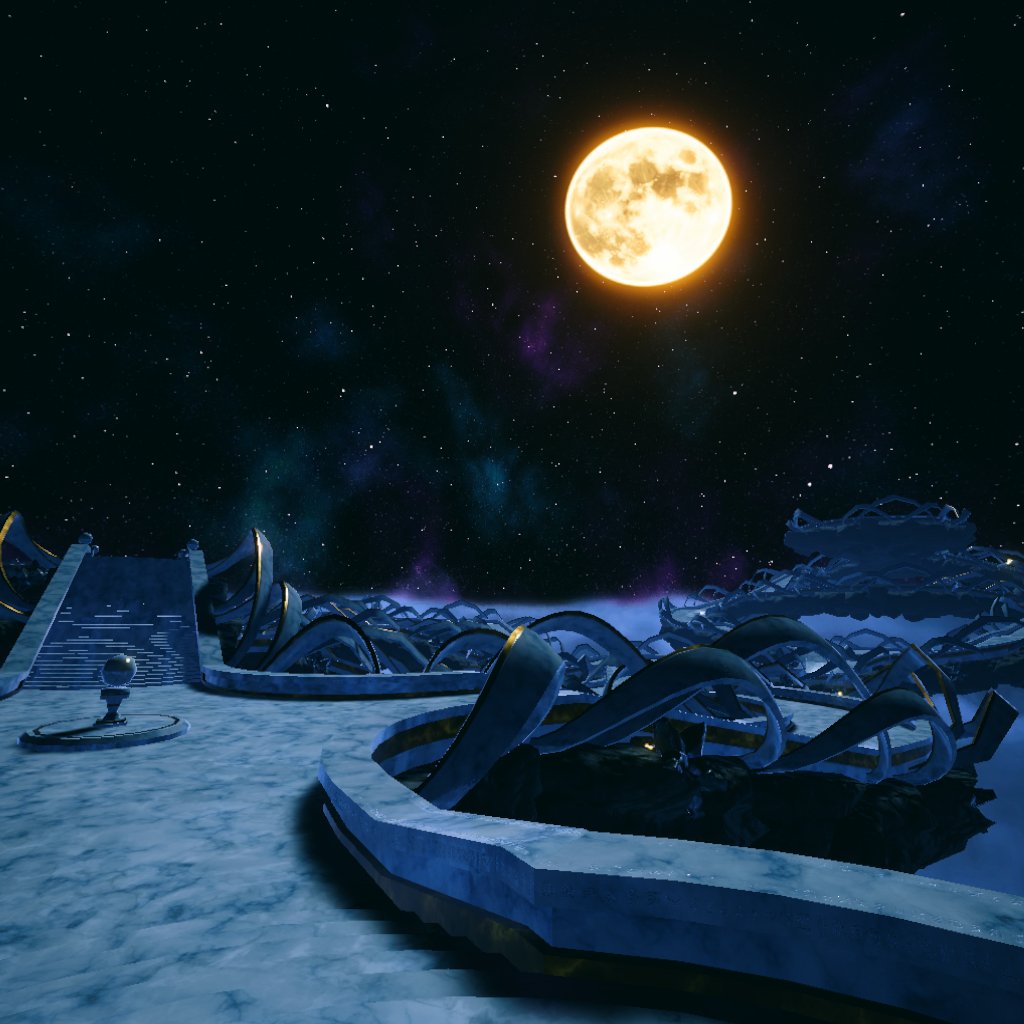
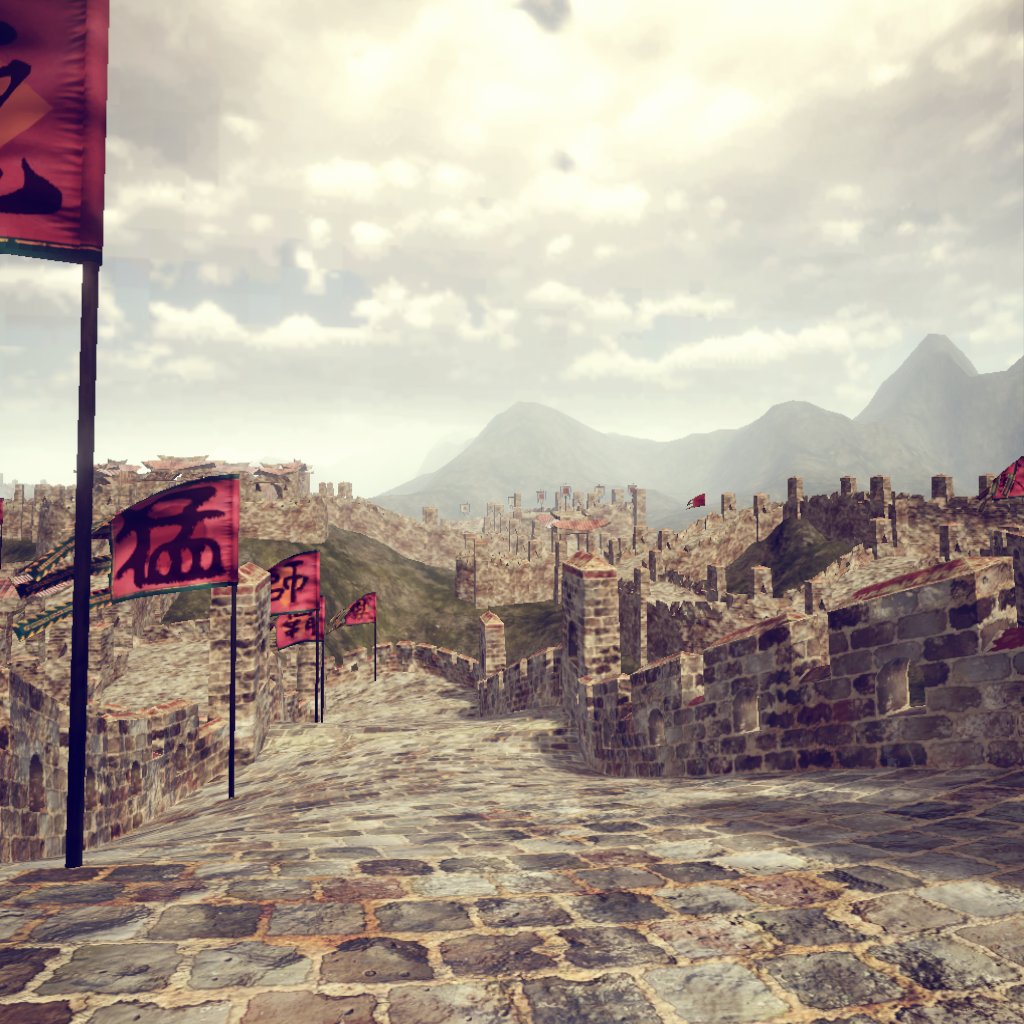
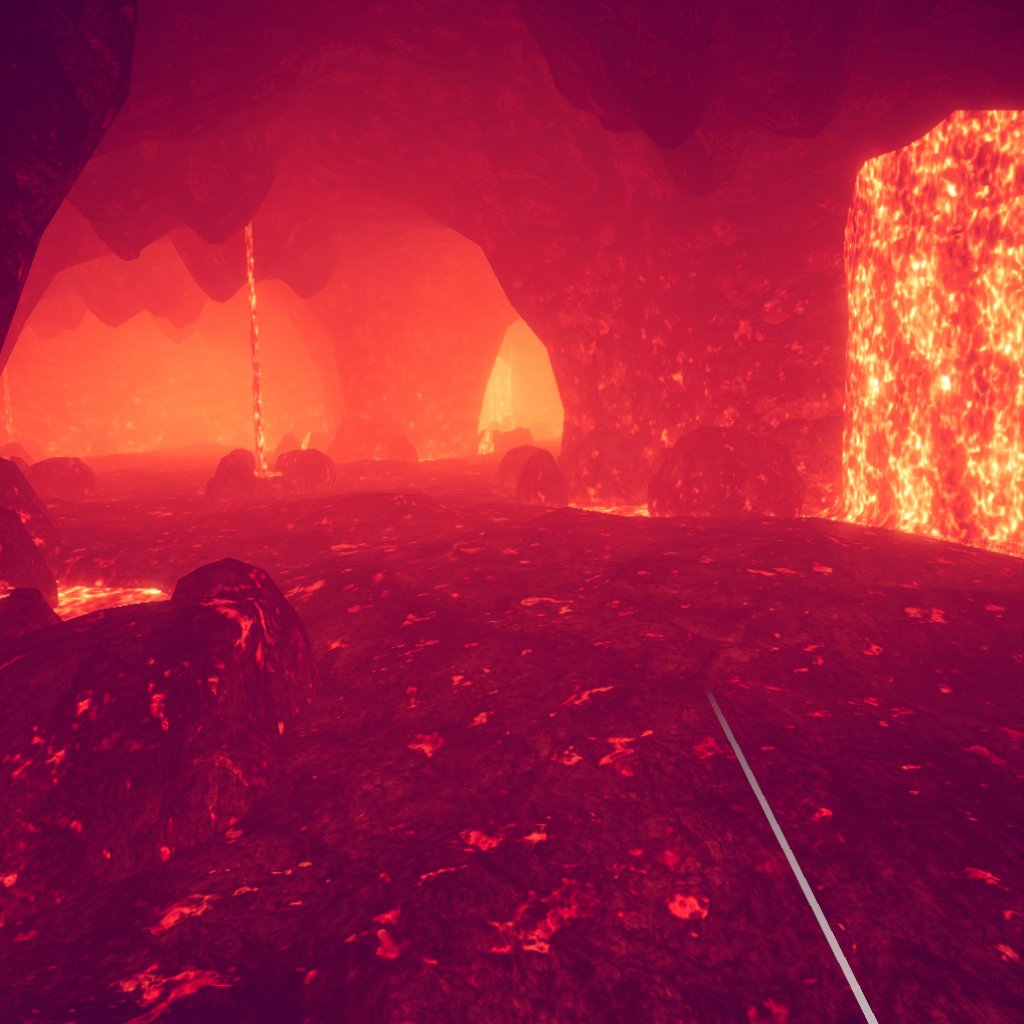
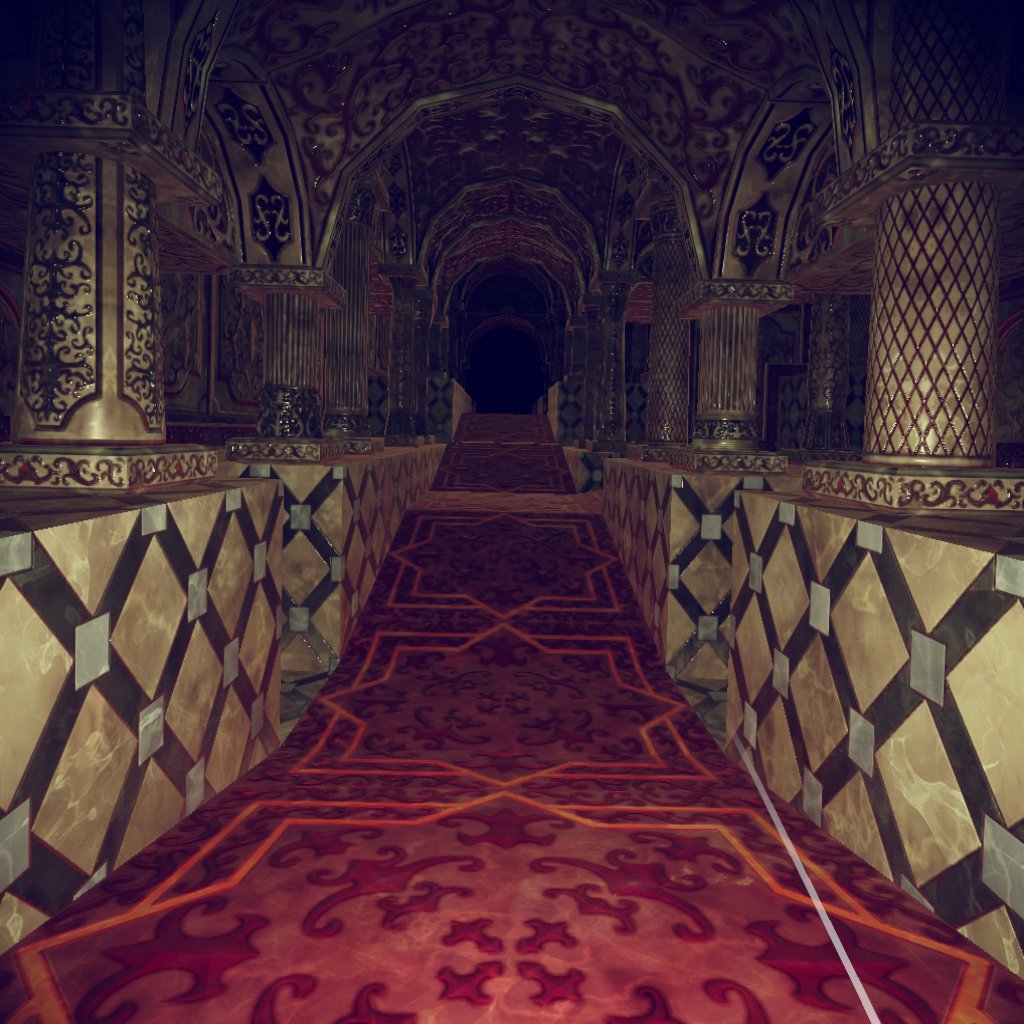
Experience what screenshots and videos can't convey —
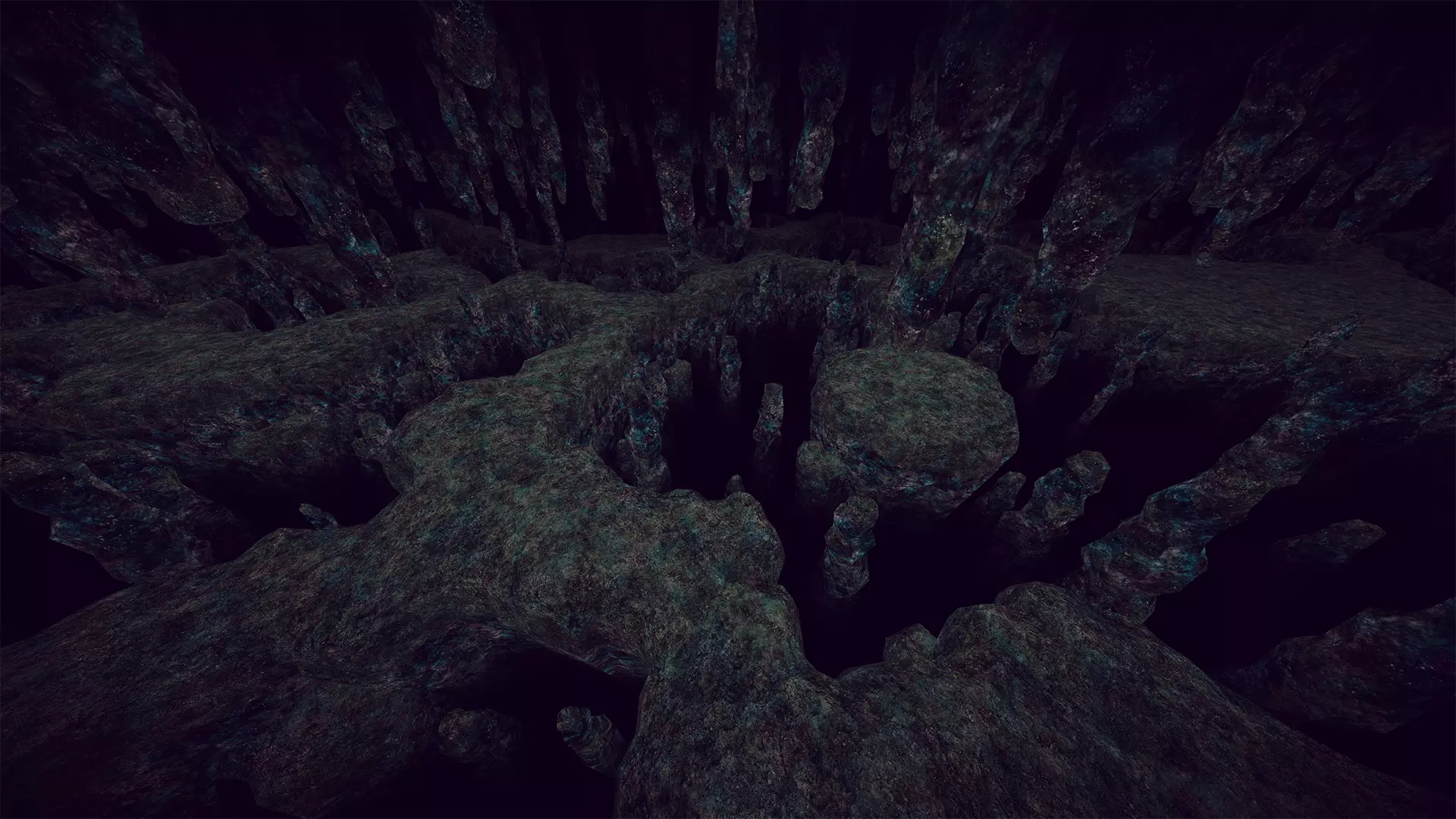
true-to-scale space, how the light falls, and the atmosphere of each environment —
by standing inside the maps themselves.
Includes all 15 maps from "Map Series 1" and "Map Series 2" —
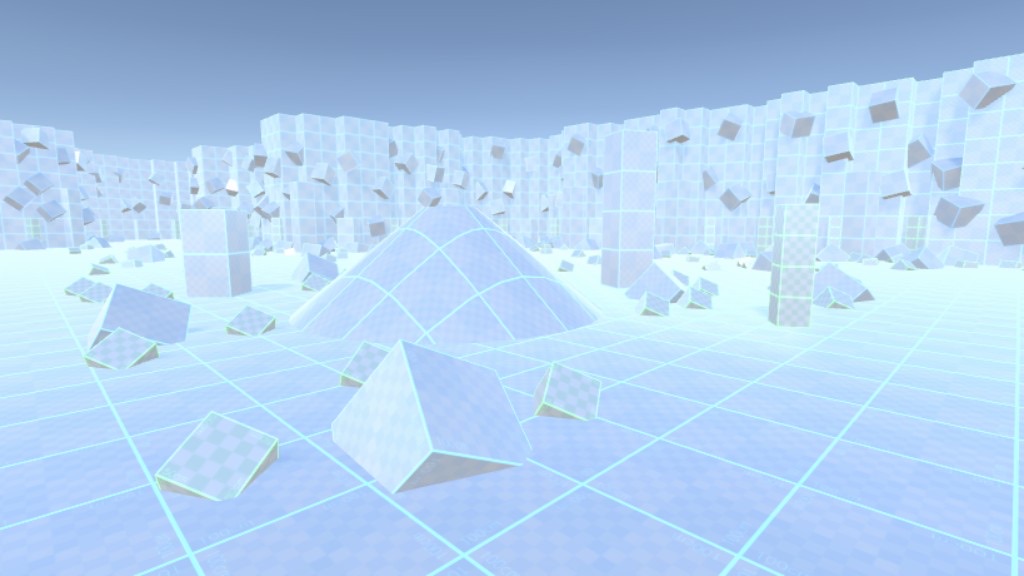
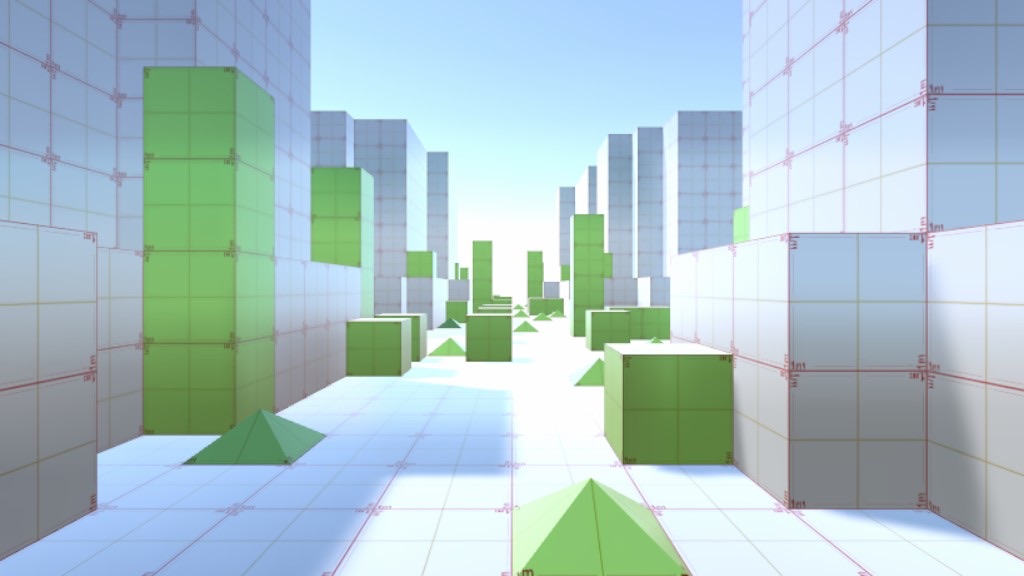
the maps available on the Unity Asset Store plus the free Grid Maps.
Before You Start
* Visual quality in the app is partially adjusted to run smoothly on Meta Quest, so maps look different from the Unity Assets used on a PC.
* You move using the controller thumbsticks. If you are new to VR, you may be more prone to motion sickness.
* If you feel unwell, stop using the app and take a break.
* You move using the controller thumbsticks. If you are new to VR, you may be more prone to motion sickness.
* If you feel unwell, stop using the app and take a break.
Key Features
True-to-Scale
Stand inside the map and check the height of buildings and the width of paths from the eye level of a person about 170 cm (5'7") tall.
Lighting and Atmosphere
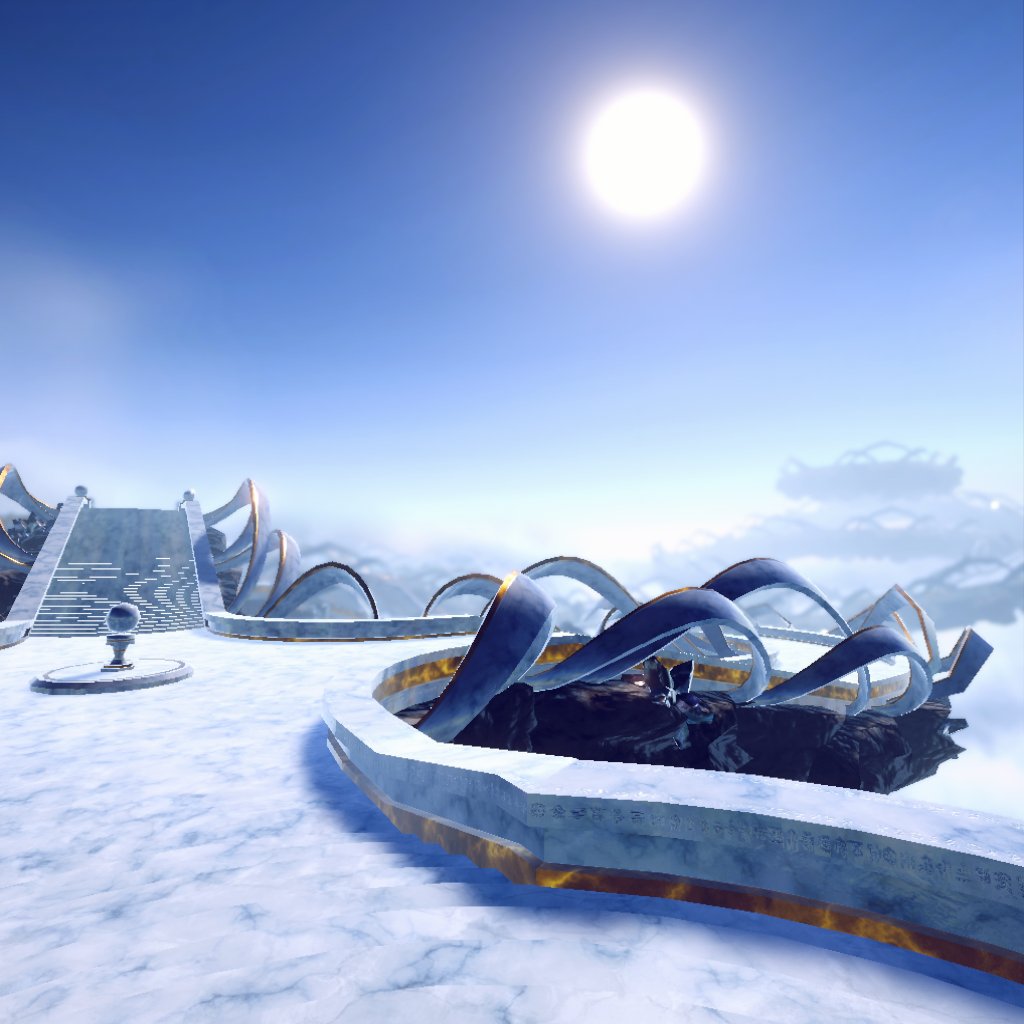
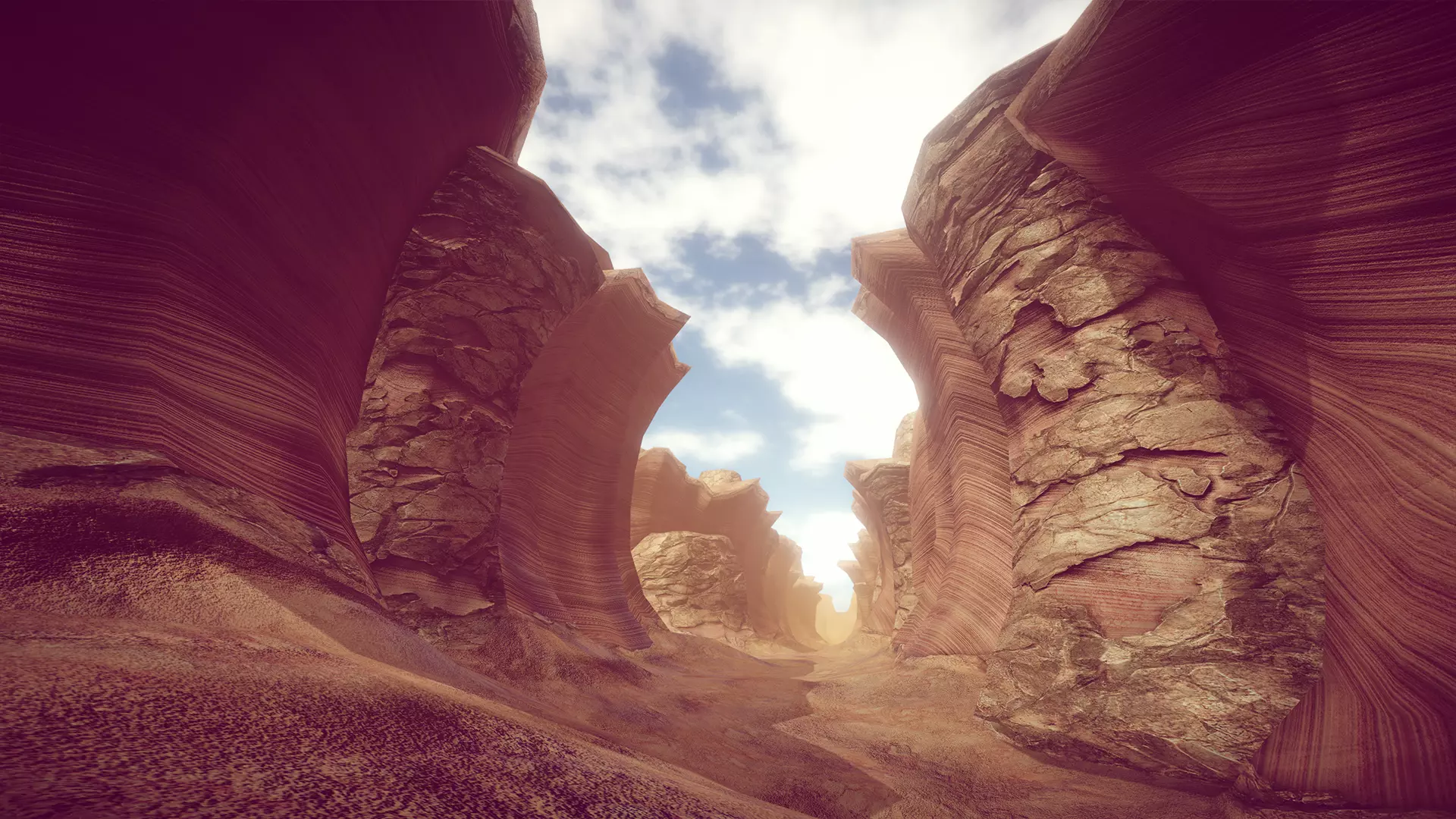
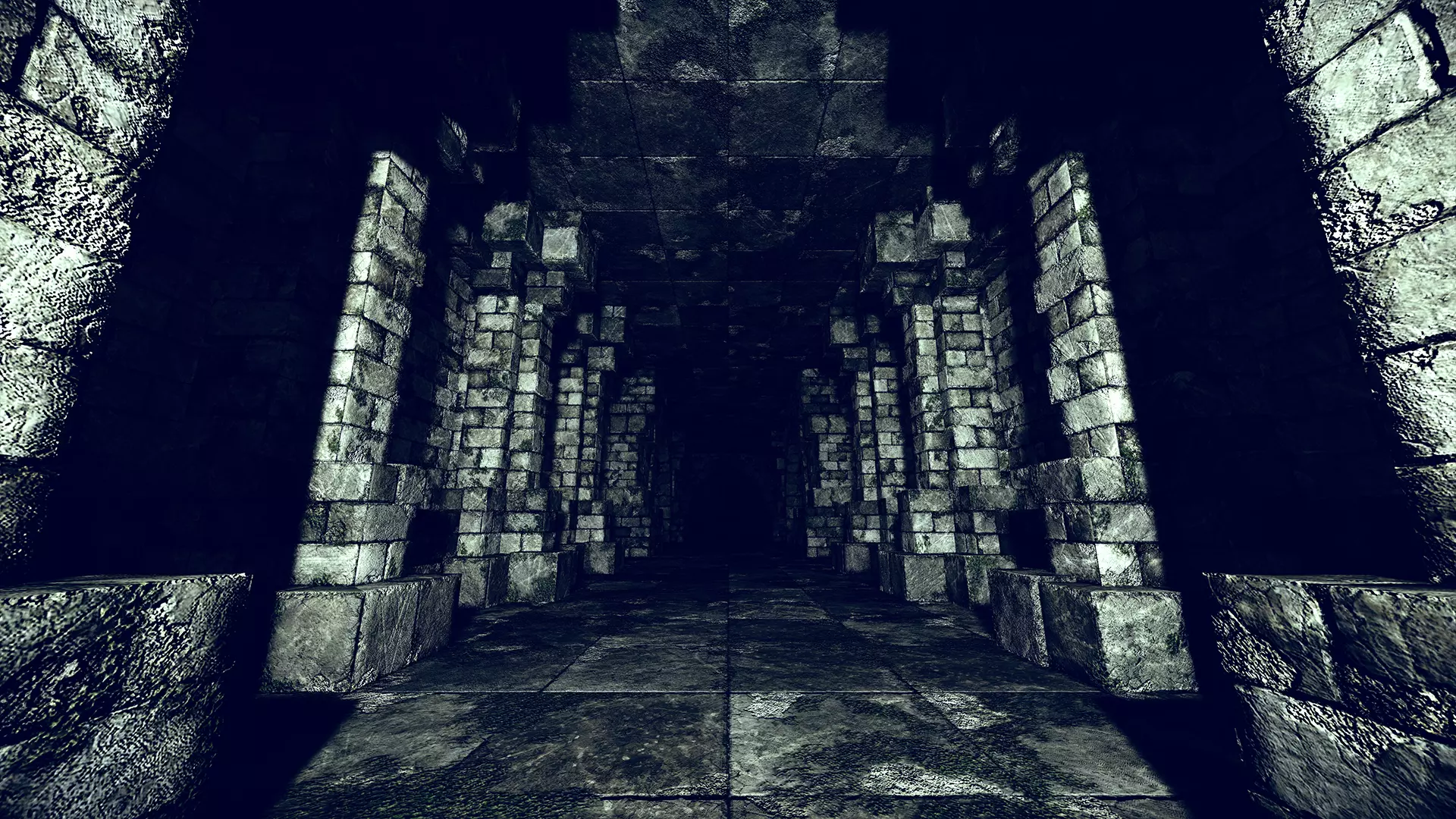
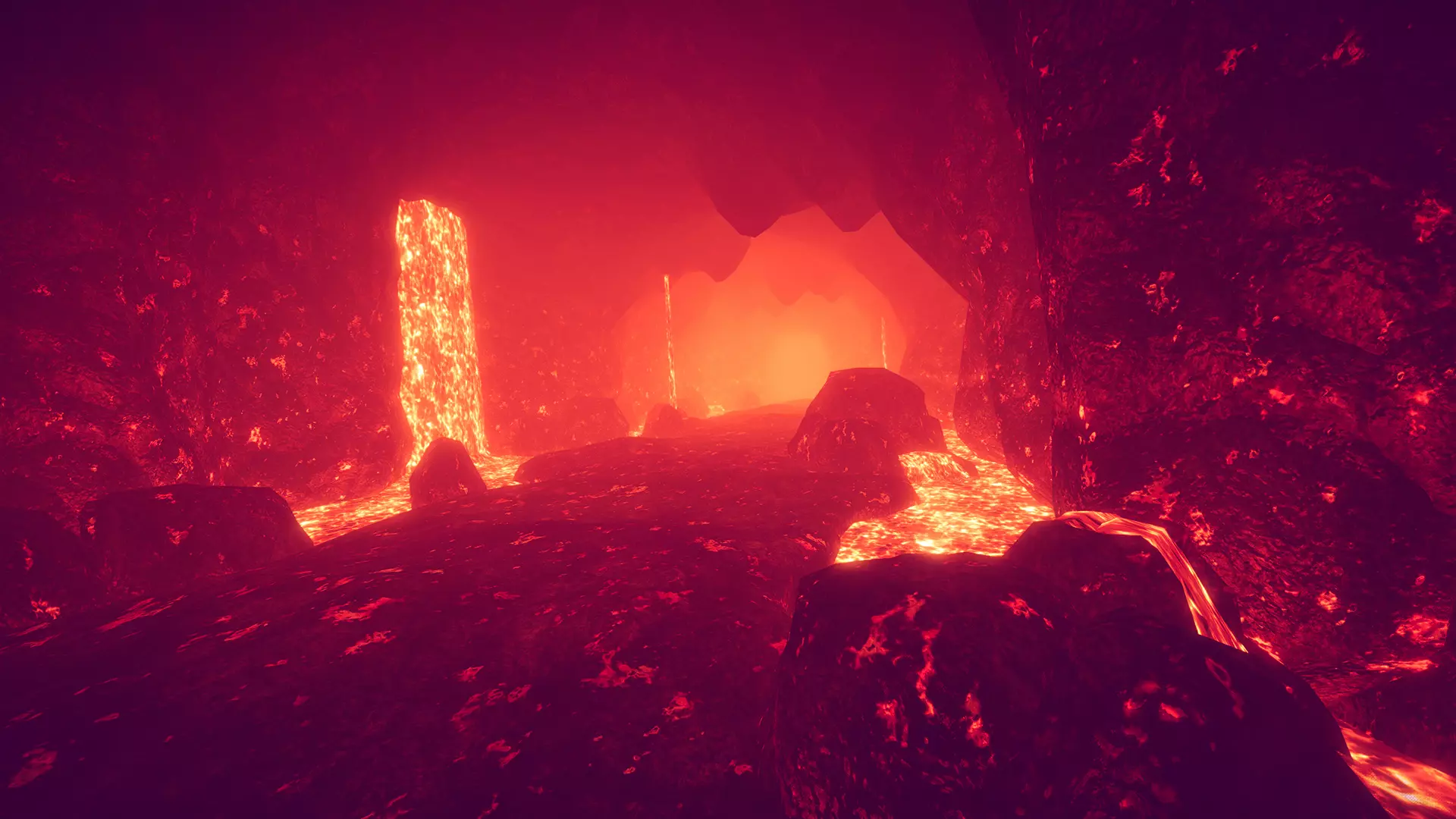
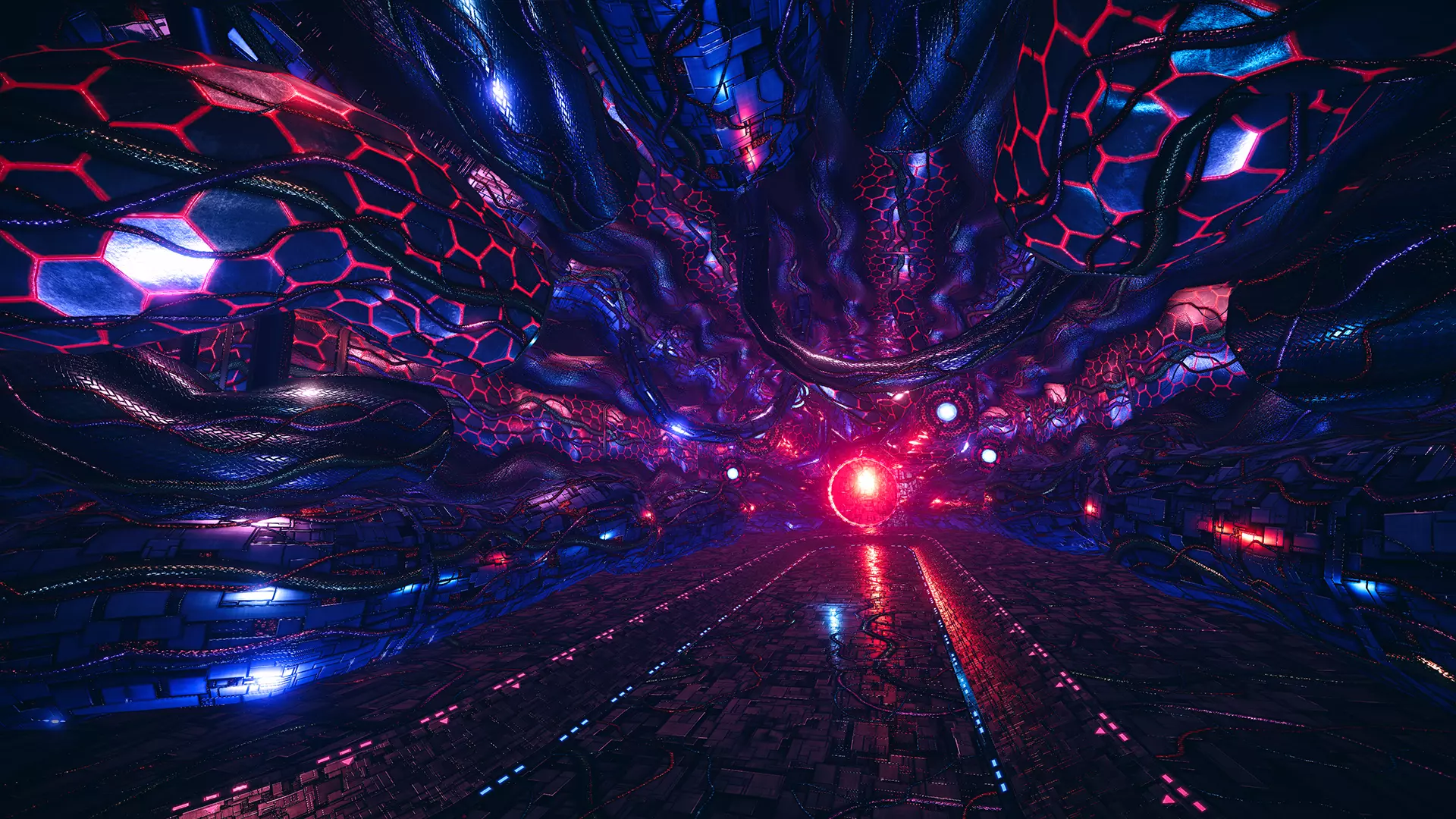
See each map's lighting and effects from inside the scene.
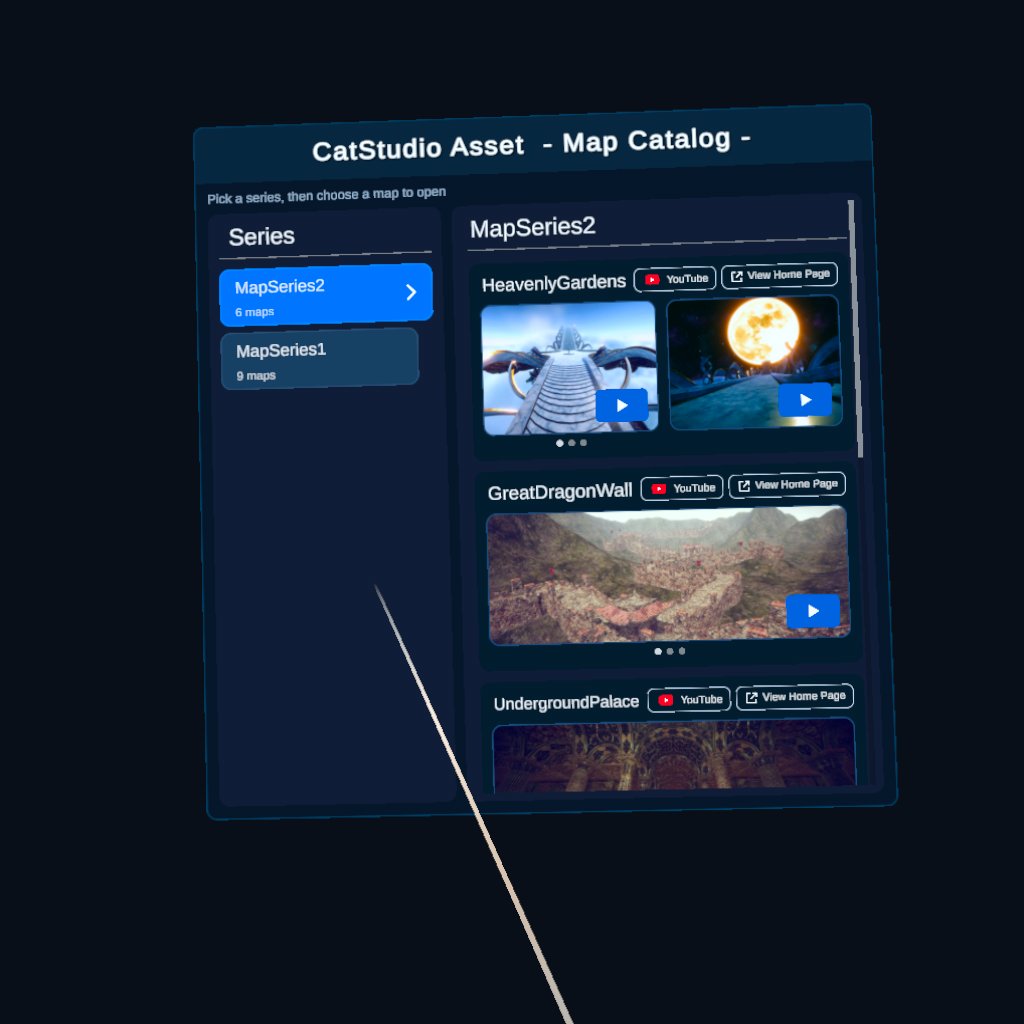
Quick Map Selection
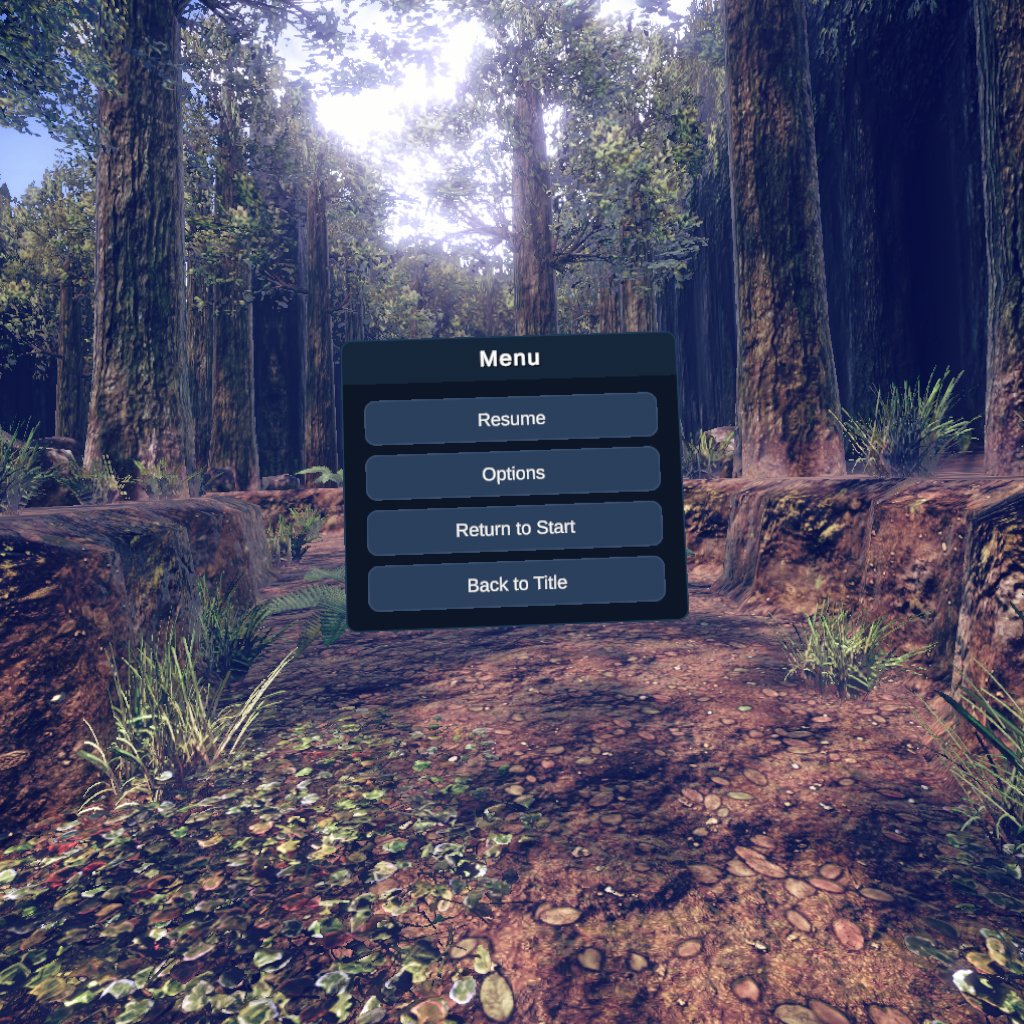
Pick a series, then a map, to step in. From the in-map menu, you can return to the start point or go back to map selection at any time.
Display Options
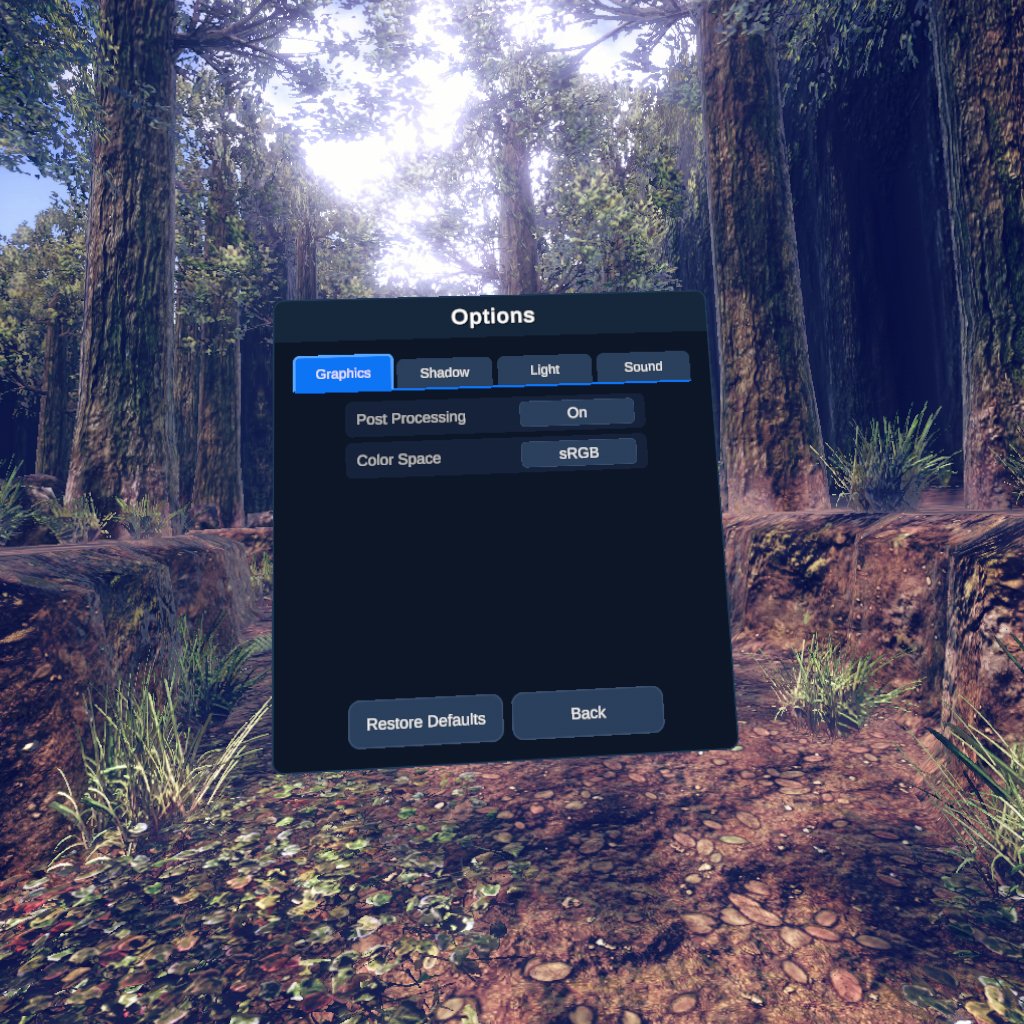
Adjust the light angle, shadow quality, and more from Options.
Map Details
Open each map's product page from within the app. For maps with a YouTube video, you can watch it too.
Trailer
Gallery
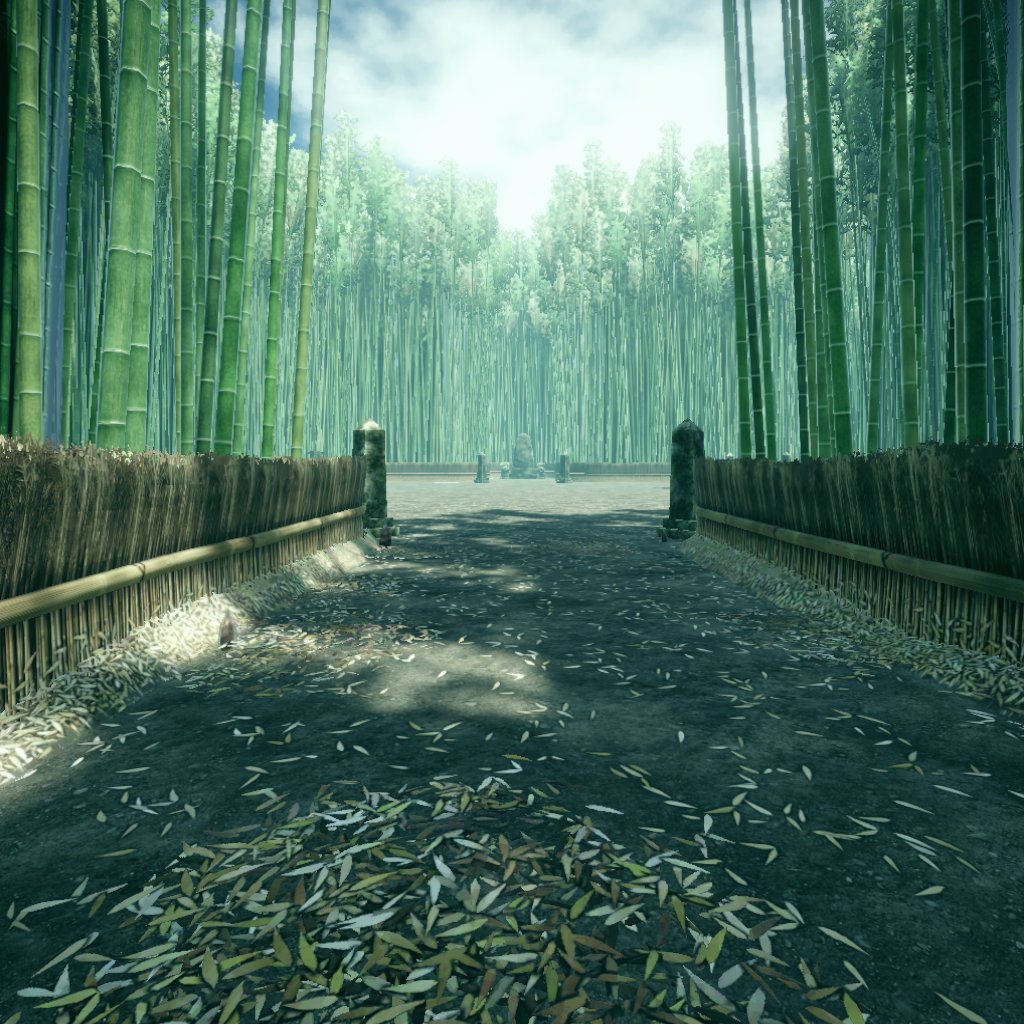
Included Maps
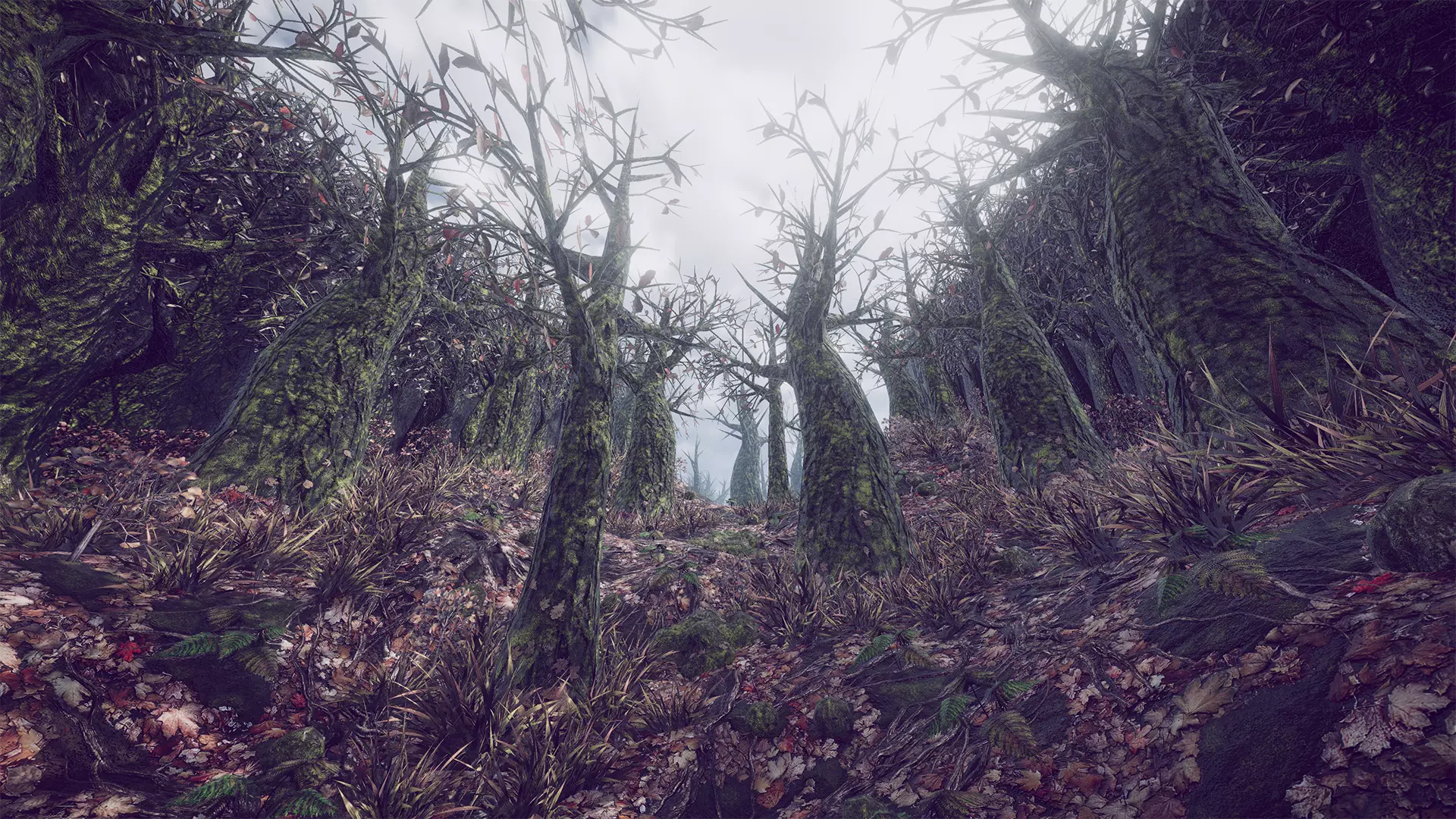
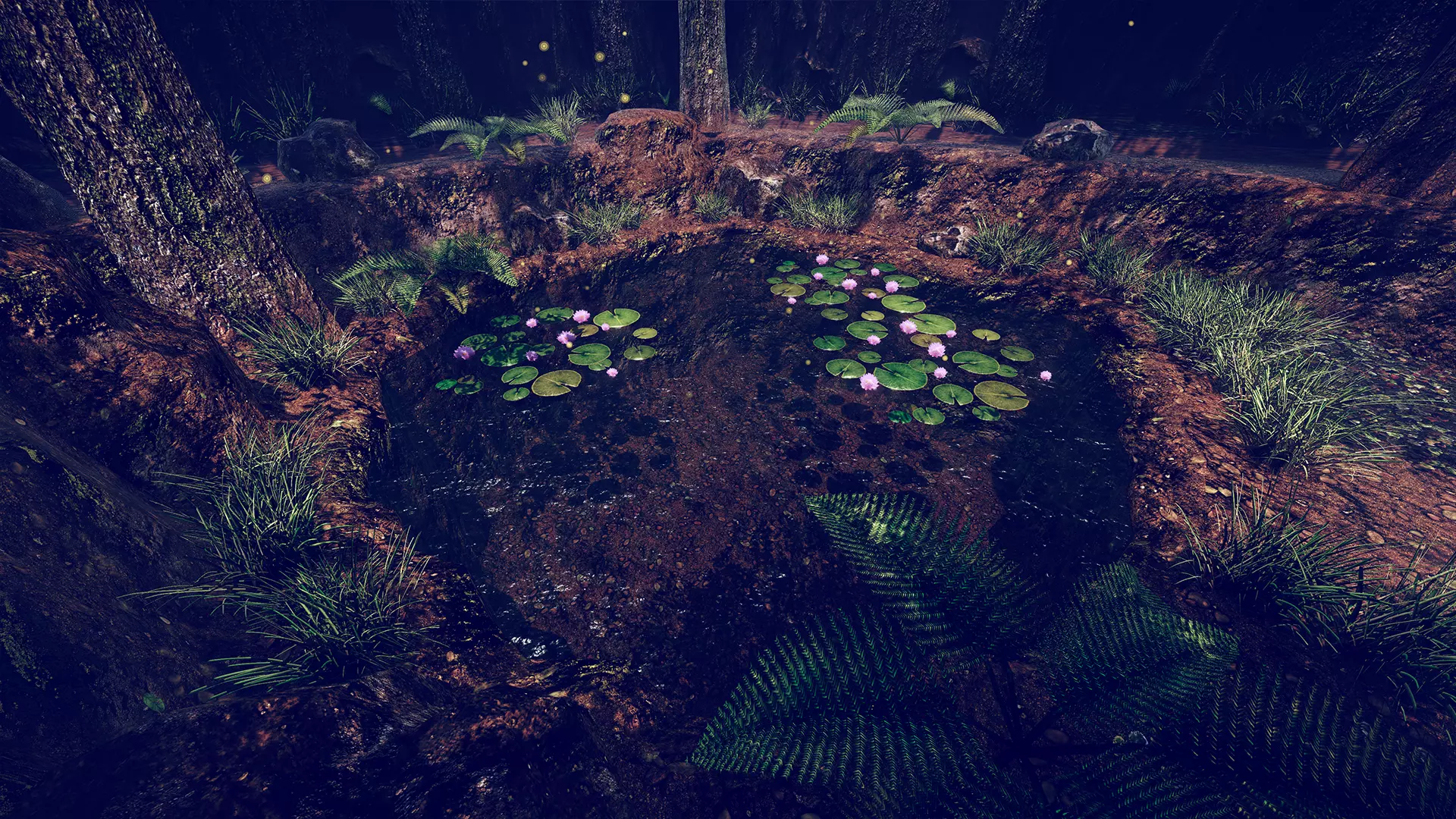
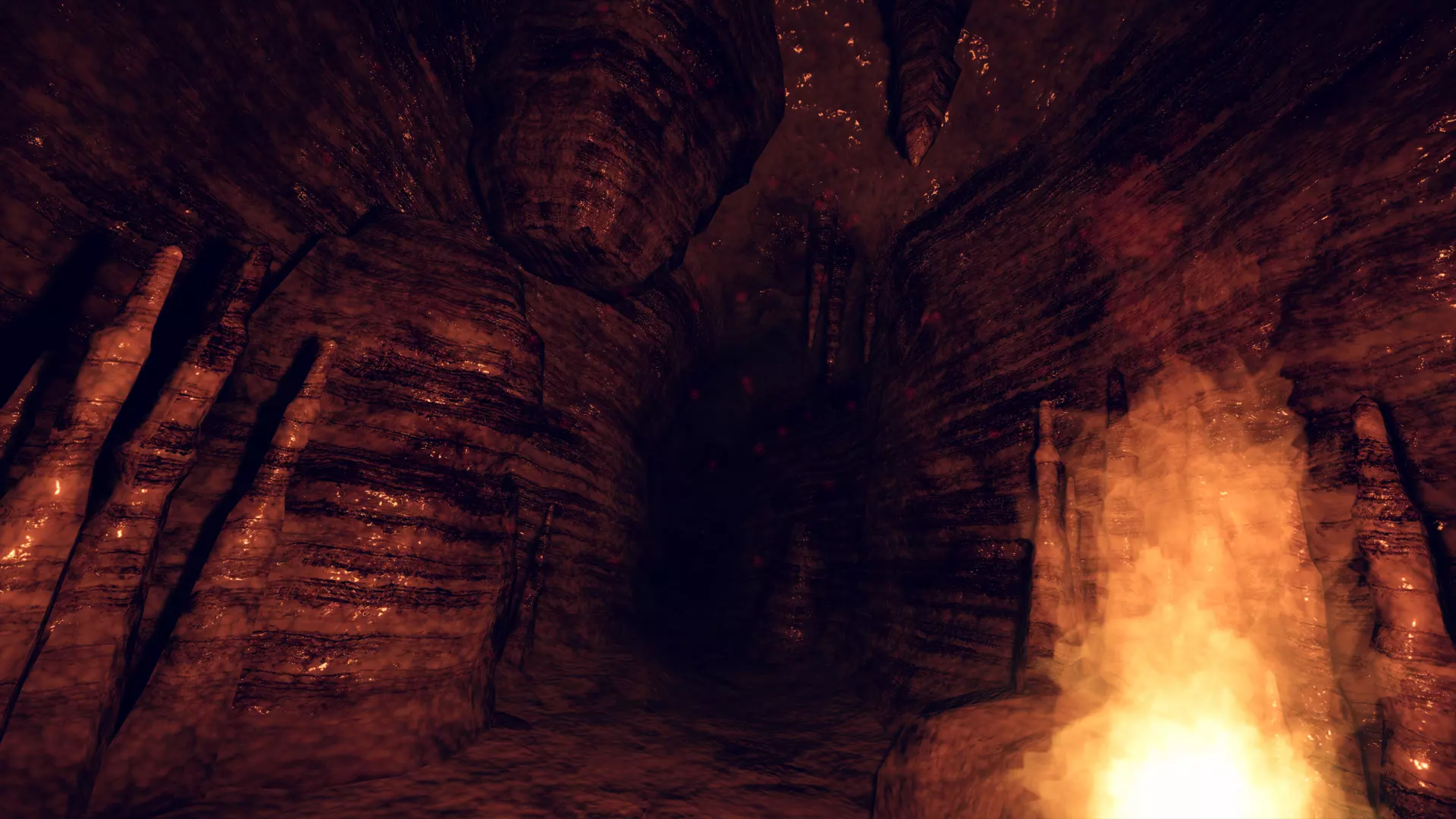
All 15 maps available in the app
↓ Click a map to open its product page
↓ Click a map to open its product page
- Map Series 2 -

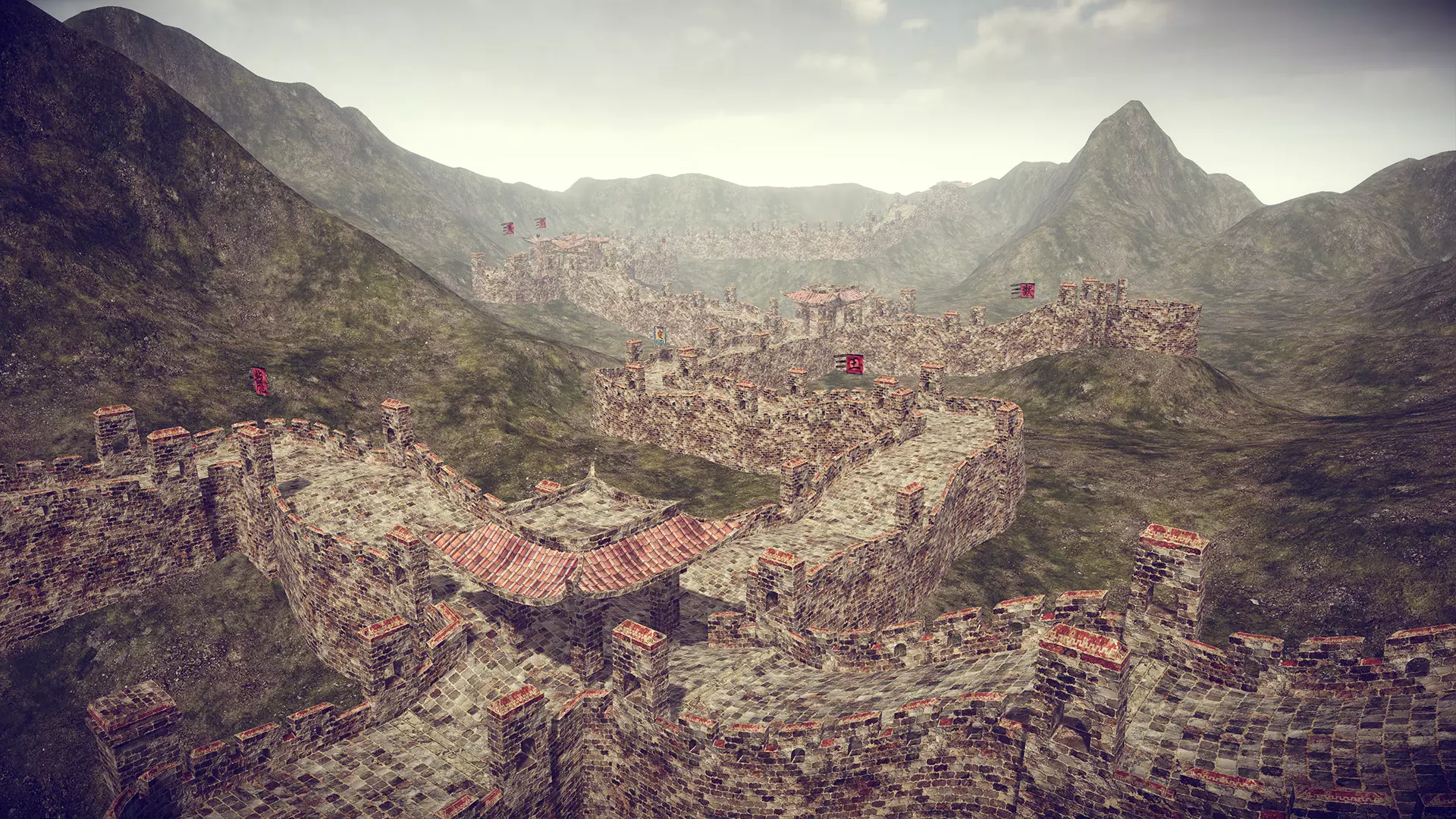
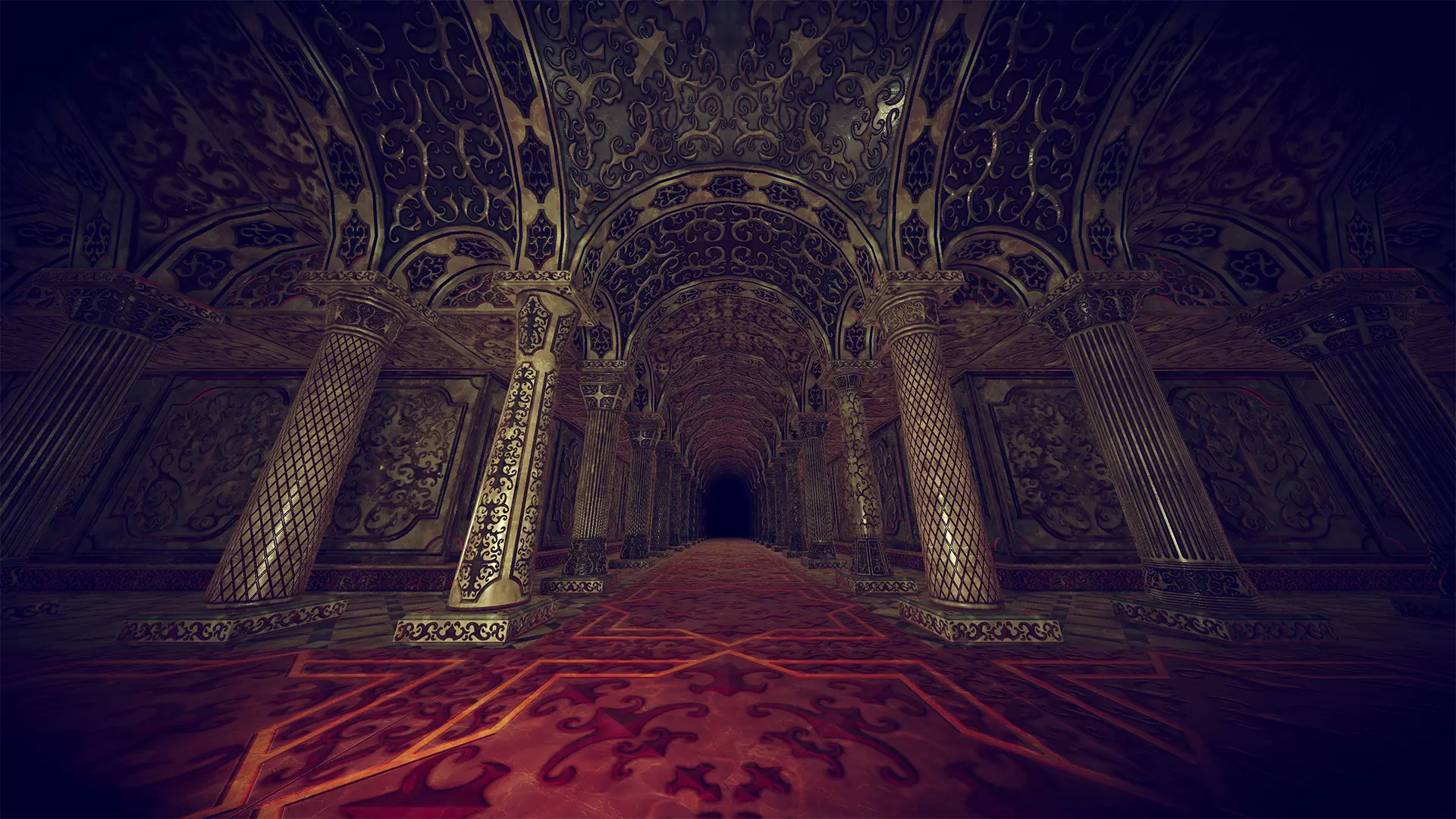
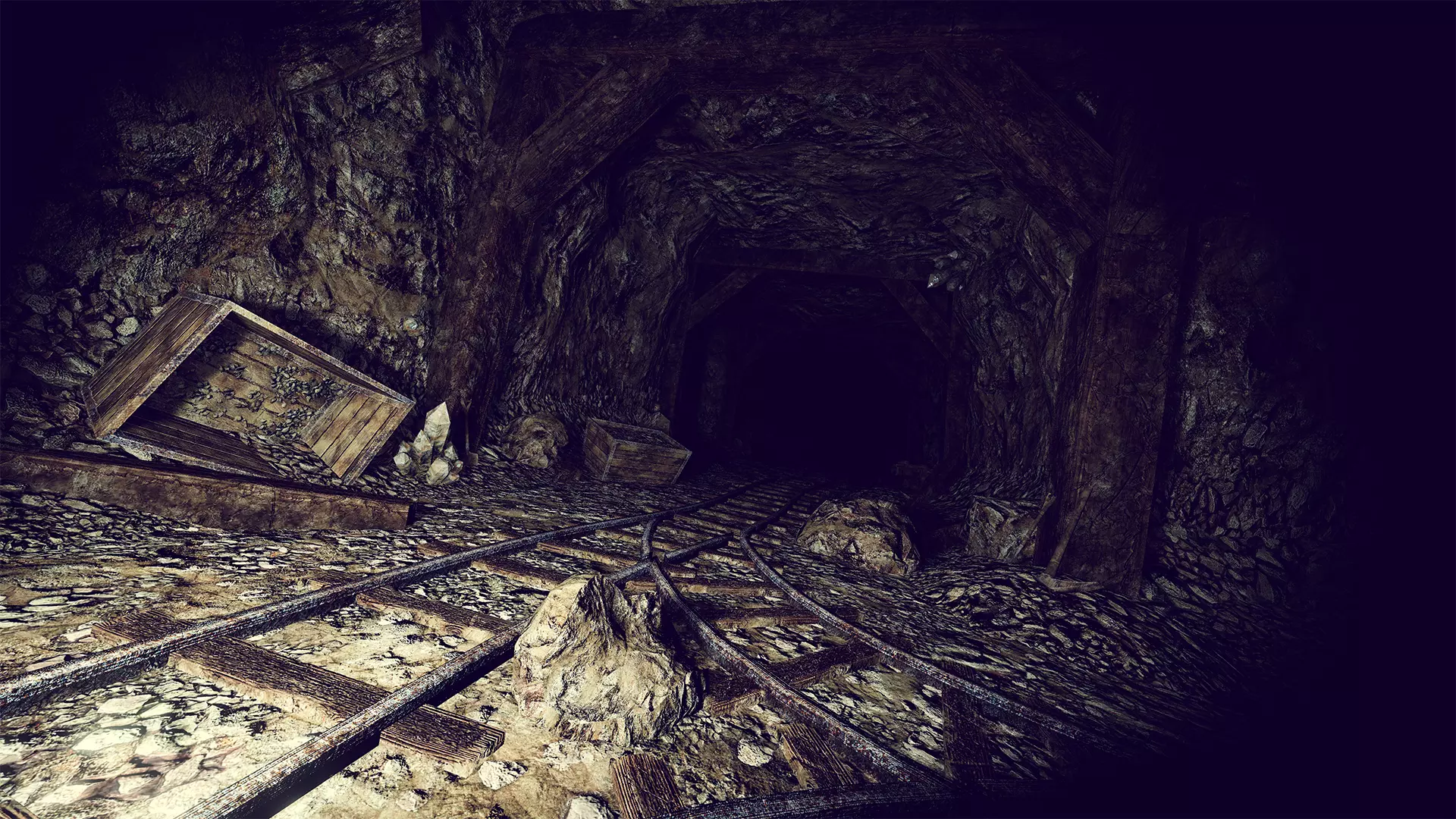
- Map Series 1 -

Specifications
| Supported Platforms | Meta Quest 3 |
|---|---|
| Supported Controllers | Meta Quest controllers (hand tracking not supported) |
| Store | Meta Horizon Store |
| Supported Player Modes | Sitting, Standing |
| Supported Languages | English |
| Internet Connection | Not required (works offline) |
* An internet connection is required to open product pages and videos from within the app.
Change log
NOW LOADING ...